Natural-language Editing
Create documents from scratch or edit the current one by describing what you want: “make headings bold”, “add a caption under the table”, “convert this to a numbered list”.
Open source · MIT licensed · Windows desktop
WordAssistant is a desktop tool that turns plain-language instructions into professionally formatted .docx files — with a live preview that matches what Word will actually produce.
Windows 10 / 11 · Built on Python + PyQt6 · Bring your own LLM API key
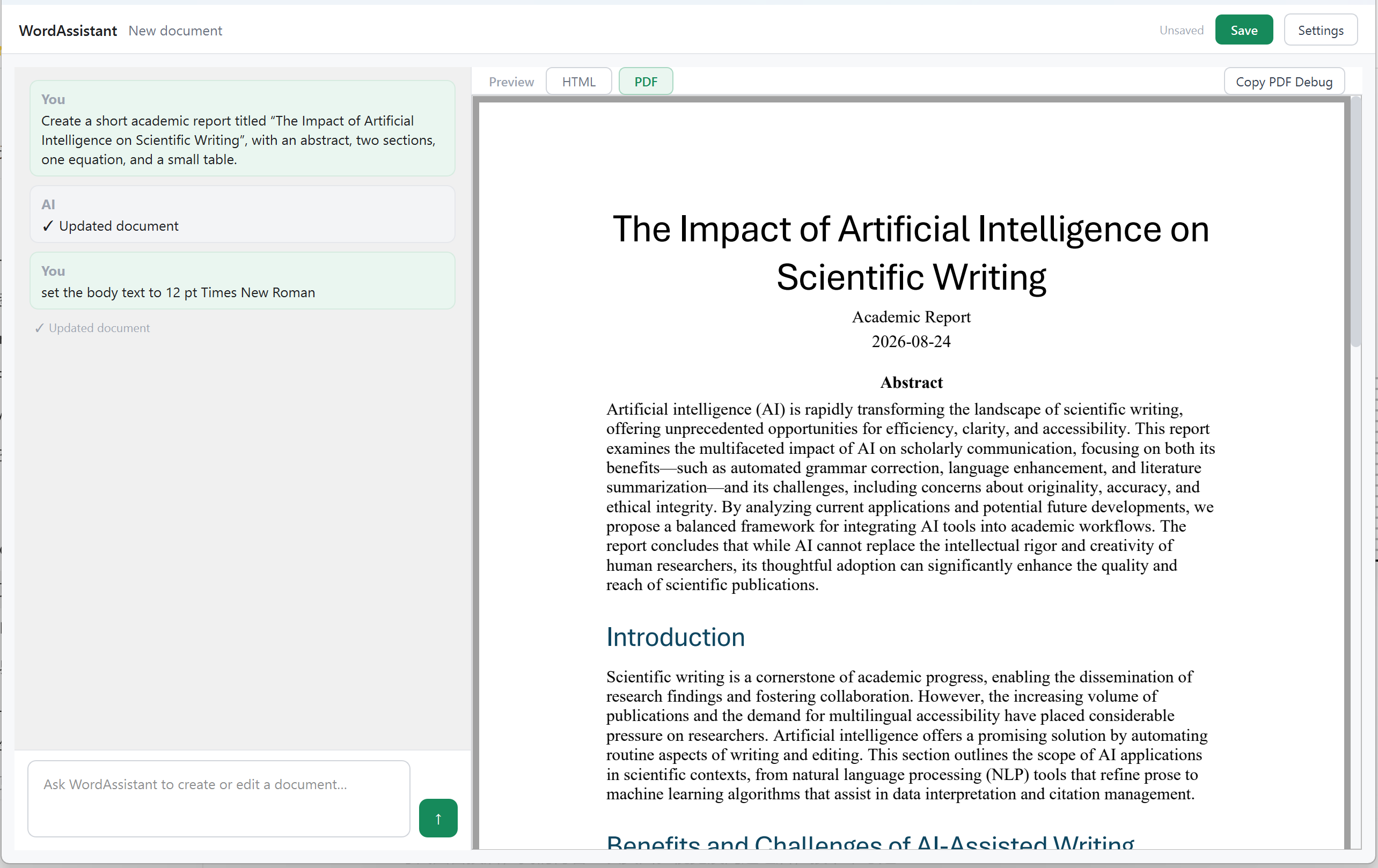
Three things WordAssistant does differently from a generic chatbot.
Create documents from scratch or edit the current one by describing what you want: “make headings bold”, “add a caption under the table”, “convert this to a numbered list”.
A live HTML preview while you edit, plus a native PDF preview rendered from the real document pipeline — what you see is what Word will open.
Fonts, heading levels, tables, captions and math are handled with Word-compatible styles — pandoc and Word COM integration do the heavy lifting under the hood.
Installer or portable package, published on GitHub Releases. Configure your own LLM endpoint (e.g. DeepSeek) in Settings.
Prefer source? pip install -r requirements.txt then python main.py.
The full source is on GitHub. Report issues, propose features, or fork it and make it yours — the project is driven by the same academic workflows it serves.